
How to Increase M-PESA Limit to KSh 500,000 in 2026 (Step-by-Step Guide)
If you’ve ever hit a transaction ceiling, understanding how to increase M-PESA limit is essential. Many users of M-PESA experience failed transfers or blocked withdrawals due to preset caps.
The good news: you can upgrade your limits—legally and safely—through Safaricom by meeting specific requirements. This guide walks you through the exact process to unlock higher transaction and balance limits in 2026.
🔎 Featured Snippet Answer
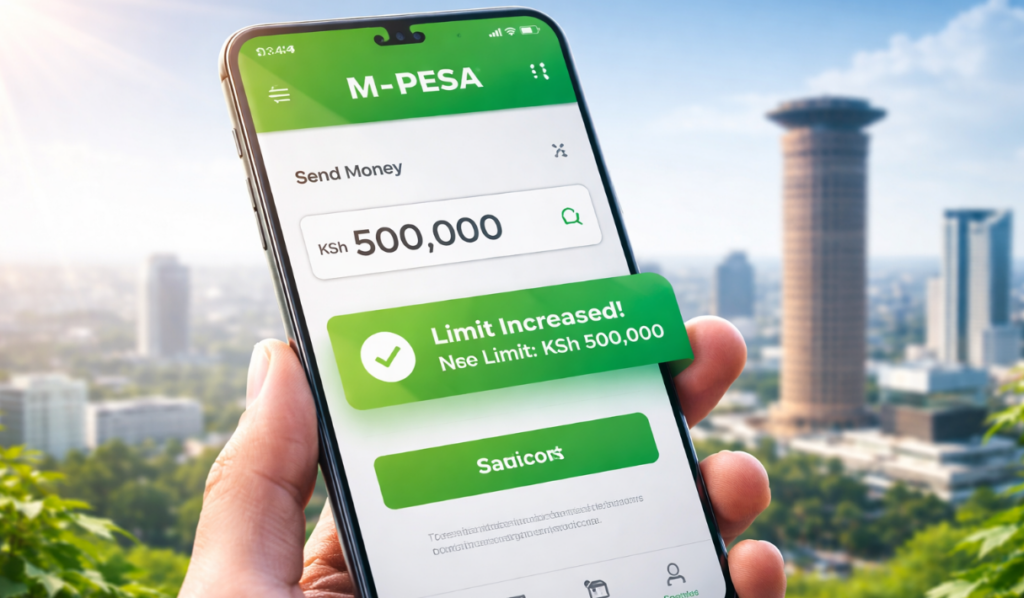
To increase your M-PESA limit, visit a Safaricom shop or authorized agent with your Kenyan ID, request a KYC update, and apply for a limit upgrade. Once verified, your account may qualify for higher transaction, daily, and balance limits—up to KSh 500,000 depending on eligibility.
📊 Current M-PESA Limits in Kenya (2026)
| Limit Type | Standard Limit (KSh) |
|---|---|
| Per Transaction | 250,000 |
| Daily Transaction Limit | 500,000 |
| Account Balance Limit | 500,000 |
These limits are regulated in part by Central Bank of Kenya guidelines.
🚀 Step-by-Step: How to Increase M-PESA Limit
1. Ensure Full KYC Compliance
Your M-PESA account must be fully registered:
Valid National ID or Passport
Matching SIM registration details
2. Visit a Safaricom Shop or Agent
Go to an official Safaricom outlet (not just any agent). Request:
“M-PESA limit upgrade”
3. Request Account Upgrade
You’ll be guided to:
Update your personal details
Confirm identity credentials
Submit a formal request
4. Complete Biometric Verification
In some cases, Safaricom may require:
Fingerprint verification
Photo capture
5. Wait for Approval
Processing typically takes:
A few hours to 24 hours
SMS confirmation once approved
📋 Requirements to Increase M-PESA Limit
Make sure you have:
Original Kenyan ID or Passport
Registered Safaricom SIM card
Active M-PESA account
Consistent transaction history
🧩 Special Cases
🏢 Business Accounts (Till / Paybill)
Businesses using M-PESA:
Can request higher transaction thresholds
Must provide business registration documents
💼 High-Value Users
Frequent high-volume users may qualify faster if:
They maintain consistent transaction activity
No suspicious activity is flagged
🌍 Diaspora Users
Kenyans abroad:
Must ensure SIM is locally registered
May need to verify identity physically in Kenya
❌ Why Your Limit Increase May Be Rejected
Incomplete KYC details
Mismatch between ID and SIM registration
Suspicious or flagged transactions
Regulatory caps imposed by authorities
💡 Pro Tips to Avoid Hitting M-PESA Limits
Split large transactions into smaller amounts
Use Paybill/Till numbers for business transfers
Upgrade early before urgent transactions
Maintain a clean transaction history
❓ FAQs (Schema-Optimized)
What is the maximum M-PESA limit in Kenya?
The maximum limit is currently KSh 500,000 per day and account balance.
Can I increase my M-PESA limit online?
No. You must visit a Safaricom shop for identity verification.
How long does it take to increase M-PESA limit?
Usually within a few hours, but can take up to 24 hours.
Is there a fee to increase M-PESA limit?
No. Safaricom does not charge for limit upgrades.
Can businesses get higher M-PESA limits?
Yes. Businesses using Paybill or Till numbers can request customized limits.
🔗 Related articles:
How to Use M-PESA Paybill
How to Withdraw Money from M-PESA