

“mVERIFIED” is an innovative document searching solution that is meant for the Kenyan market . It’s a real-time mobile and web platform that enables those that want to do searches and verifications of legal documents in Kenya – such as NTSA/KRA logbook search and verification/car and vehicle registration search – to do so with easily on their phone or computer without having to travel to the various relevant offices.
This innovation will help a lot those looking to buy second hand vehicles in Kenya.
What you need
- Car Registration Number,
- MPESA transaction Code,
- Your Name,
- Email and Phone number
The Procedure
- Log on to https://mverified.co.ke/verified.html
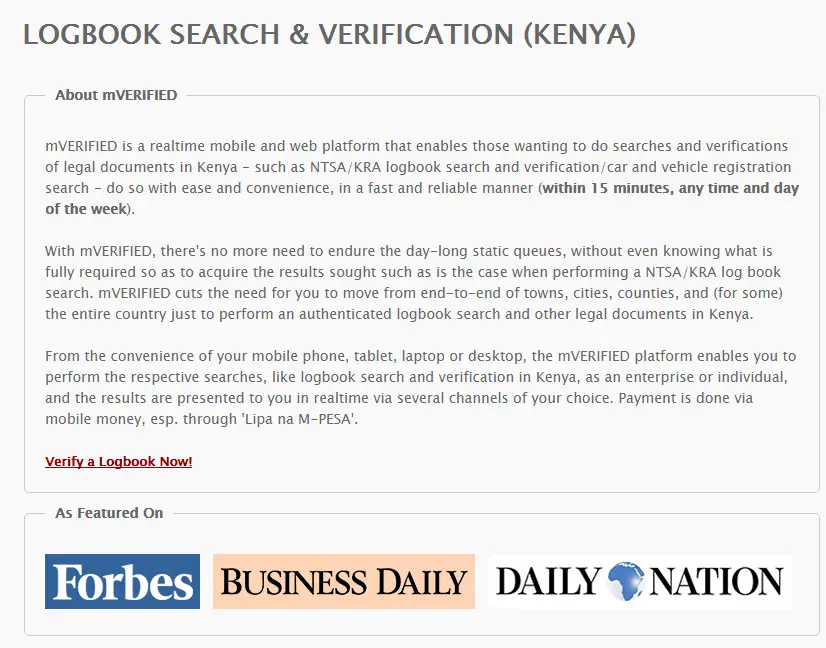
- Click on “verify a log book now”
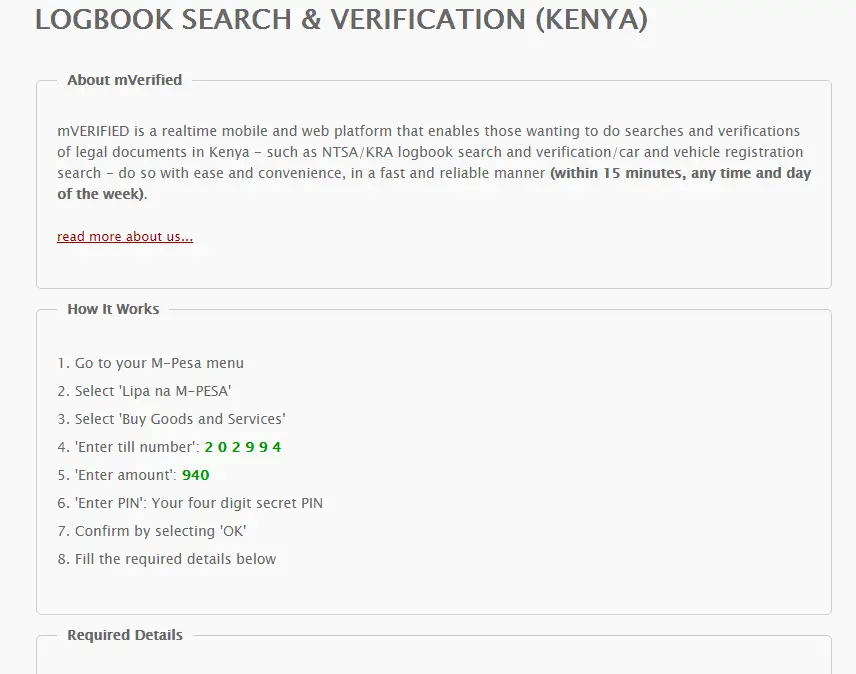
- Go to your M-Pesa menu
- Select ‘Lipa na M-PESA’
- Select ‘Buy Goods and Services’
- ‘Enter till number’: 2 0 2 9 9 4
- ‘Enter amount’: 940
- ‘Enter PIN’: Your four digit secret PIN
- Confirm by selecting ‘OK’
- Fill the required details below
- Fill in the Car Registration Number, Transaction Code, Your Name, Email, Phone
- Check the recaptcha box to verify you are not a robot
- Click submit your order to finish.



TIMS payments were down today, I saw this, googled them, they’re on mverified.co.ke and was able to get the deatils sent to me on sms. Thanks.
I had the worst experience with them, no real-time verification and they never pick their calls
Is this site even operating??? They say it’s realtime, however they tell you the submission has not been successful and instead give you a mobile number to send the m-pesa transaction by product.
Still no real time results…nkt
TRANSACTION CODE MBM0VPDO8O
KAW756W TRANSACTION CODE MBM0VPDO8O
VALERIE JEAN-LOUIS
EMAIL: valerie@rongaiws.com
PHONE 0722-205522
Verify a log book doesnt respond
I paid but tried to verify now nothing i culd do